> ## Documentation Index
> Fetch the complete documentation index at: https://developers.sults.com.br/llms.txt
> Use this file to discover all available pages before exploring further.
# Crie o token da API v2 do SULTS
> O passo a passo para gerar o token de acesso à API v2 do SULTS na Gestão de Tokens v2
API v2
Todo acesso à API v2 começa por um **token** criado na **Gestão de Tokens v2**, por um usuário **administrador**:
1. Acesse `https://suamarca.sults.com.br` e faça login.
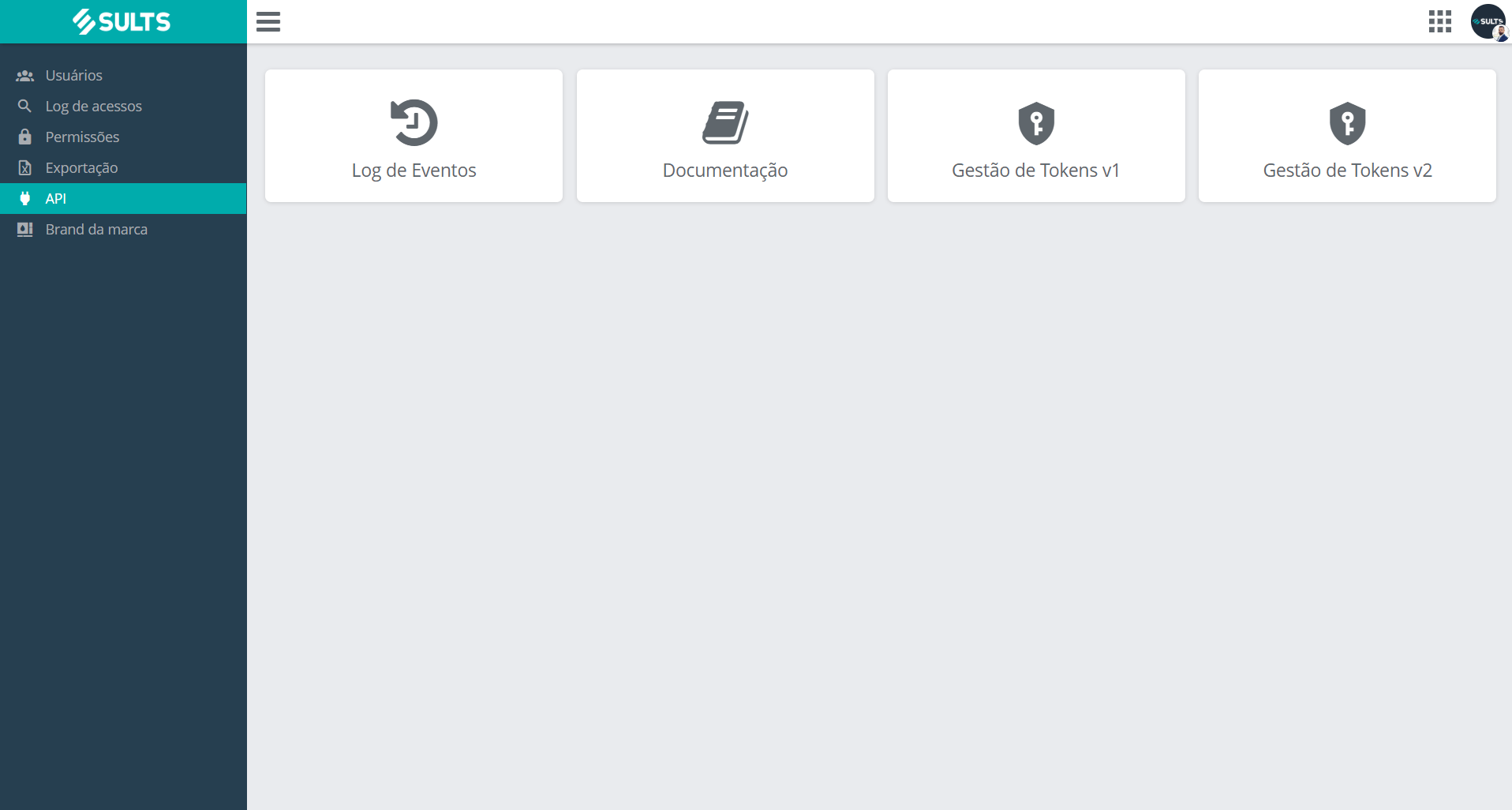
2. No painel inicial, clique no ícone **Segurança** e, no menu lateral, em **API**.
3. Abra **Gestão de Tokens v2** (caminho direto: `/seguranca/api/sults-token/2`).
4. Clique em **Criar Token**, dê um nome (dica: o nome do sistema que vai usá-lo) e informe o **e-mail de contato do desenvolvedor** responsável.
5. **Copie o token na hora**: ele é exibido **uma única vez**, com os botões Mostrar e Copiar. Perdeu? Exclua o registro e crie outro.
 Os tokens **não são intercambiáveis**: token v2 só funciona na API v2, e token v1 só funciona na API v1. Na dúvida sobre a sua versão, veja [Qual versão eu uso?](/geral/qual-versao-eu-uso)
## Próximos passos
Use o token recém-criado na primeira chamada.
Guarda segura, rotação e um token por integração.
This documentation is built and hosted on [Mintlify](https://mintlify.com), a developer documentation platform.
Os tokens **não são intercambiáveis**: token v2 só funciona na API v2, e token v1 só funciona na API v1. Na dúvida sobre a sua versão, veja [Qual versão eu uso?](/geral/qual-versao-eu-uso)
## Próximos passos
Use o token recém-criado na primeira chamada.
Guarda segura, rotação e um token por integração.
This documentation is built and hosted on [Mintlify](https://mintlify.com), a developer documentation platform.